

In today's competitive real estate market, stunning photography is non-negotiable. It's the digital handshake that draws buyers in, and the quality of your images can directly impact your sale price and time on market. But professional-grade photos don't always require an expensive photographer or hours of tedious manual work. The secret weapon for top-performing agents is powerful, efficient real estate photography editing software.
From AI-powered platforms that generate a full marketing suite from a simple video to specialized tools for perfect lighting and color, the right software can save you time, cut costs, and give you a decisive edge. This guide breaks down the top 12 options for 2025, detailing their unique strengths, limitations, and ideal use cases. We'll explore everything from all-in-one platforms like Bounti Labs and service-based editors like BoxBrownie to traditional powerhouses like Adobe Lightroom and Photoshop.
Our goal is to help you choose the perfect solution for your specific workflow, whether you're a solo agent, a growing team, or a large brokerage. Each option includes a breakdown of key features, pricing, pros, cons, and direct links to help you make an informed decision. Once your stunning real estate photography is refined using the right editing software, ensuring your website delivers these high-quality visuals quickly and efficiently is paramount. Explore essential strategies for overall website performance optimization to ensure your beautifully edited listings load fast and impress potential clients online. Let's dive into the tools that will transform your listings and elevate your brand.
1. Bounti Labs
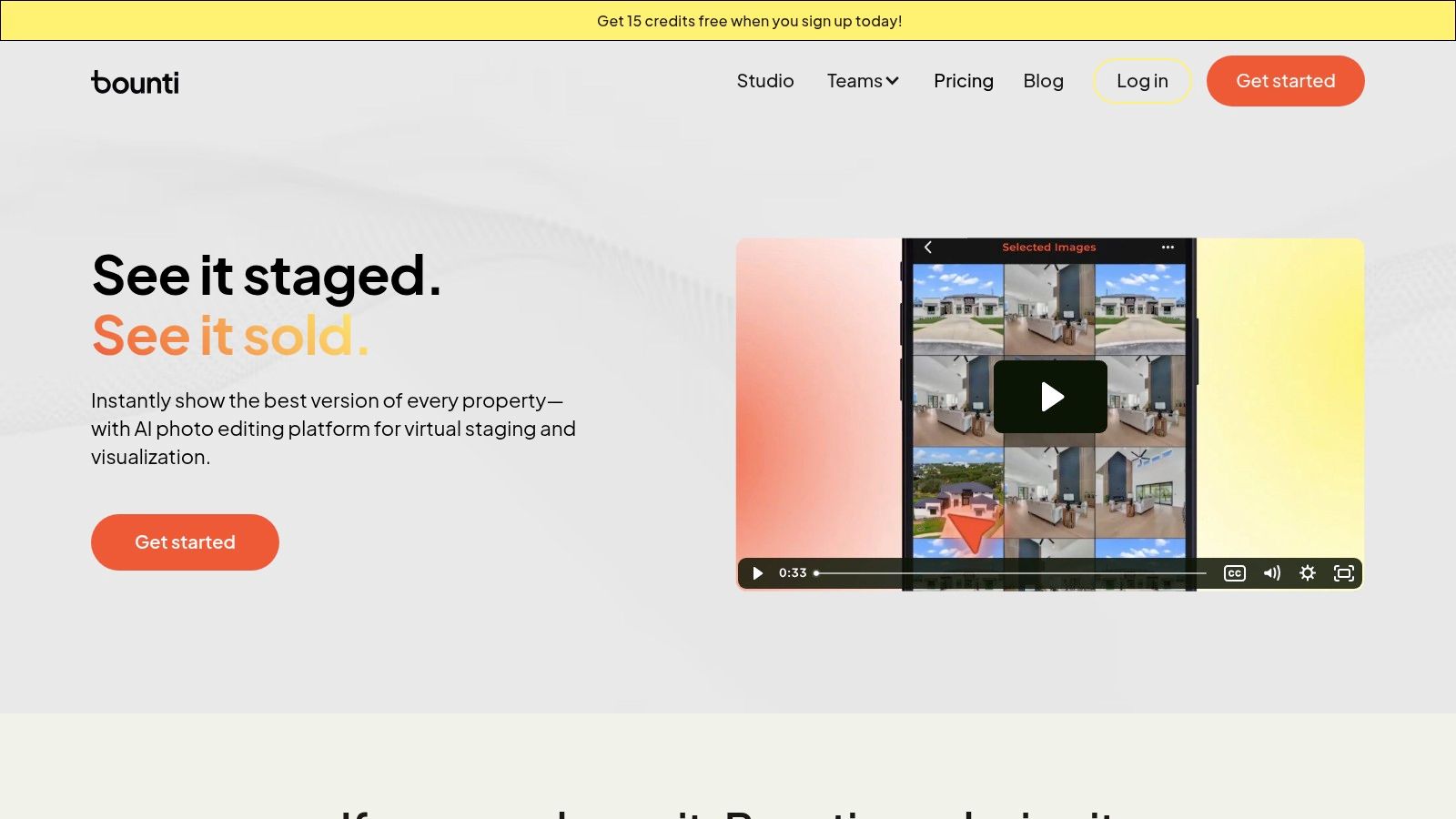
Bounti Labs positions itself not just as a piece of real estate photography editing software, but as a comprehensive AI-powered marketing engine. It stands out by transforming a single, simple video walkthrough into a complete, branded marketing kit in minutes. This end-to-end automation makes it an exceptionally powerful tool for high-volume agents, teams, and brokerages who need to accelerate their listing-to-market timeline without sacrificing quality.
Instead of merely editing photos, Bounti generates them directly from your video, along with polished property descriptions, a dedicated listing webpage, social media content, and open-house flyers. This holistic approach consolidates multiple vendor workflows into a single, streamlined platform.
Key Features and Strengths
The platform’s AI Studio is a significant differentiator. It offers advanced visual manipulation tools that go far beyond standard touch-ups. Agents can instantly declutter a room, apply virtual staging to an empty space, repaint walls, or even visualize full-scale renovations. These features are invaluable for helping potential buyers see a property's full potential, directly addressing objections and boosting its appeal.
Furthermore, Bounti integrates brand identity seamlessly, applying your specific visual styles and voice across all generated assets. A human verification layer adds a crucial quality control check, ensuring the AI-generated content meets professional standards. This blend of speed, AI capability, and human oversight is what makes the platform a compelling choice for scaling real estate operations. Backed by $16M in funding led by Google Ventures, Bounti has strong market validation.
Pricing and Access
Bounti offers a flexible pricing model designed for different usage levels. There is a free starter plan that includes bonus credits, allowing users to test the platform. For more regular needs, users can purchase credit packs that never expire or opt for a subscription. The team plan starts at $299/month and includes unlimited residential listings, branded materials, and dedicated support, making it a cost-effective solution for busy teams.
- Website: https://www.bounti.ai
- Best For: Listing agents, brokerages, and property managers seeking to automate and scale their entire listing marketing process from a single asset.
- Pros: Generates a complete marketing kit from one video, powerful AI visual tools (staging, decluttering, renovations), and includes human quality control.
- Cons: AI-generated MLS data requires agent review for compliance, and the pricing may be less economical for agents with very few listings per year.
2. Adobe Photography Plan (Photoshop + Lightroom Classic)
The Adobe Photography Plan remains the industry-standard toolkit for professionals who require granular control over every pixel. It bundles Lightroom Classic for powerful digital asset management and batch processing with Photoshop for intricate, layer-based editing. This combination is unbeatable for manual HDR blending, precise color correction, and advanced object removal. For real estate photographers, this means perfect window pulls, straight vertical lines, and flawless sky replacements are always achievable.
.
Key Details & Use Cases
- Best For: Professional real estate photographers, marketing teams, and agents who want maximum creative control and are willing to invest time in learning a robust workflow.
- Pricing: The plan is subscription-based, typically starting around $9.99/month, which includes both applications and cloud storage.
- Standout Features: Advanced masking tools in both apps, Photoshop's Generative Fill for complex edits, and Lightroom’s ability to sync presets and edits across devices.
Pros:
- Unparalleled depth for detailed retouching and compositing.
- Extensive ecosystem of presets, plugins, and tutorials.
- Industry-standard software ensures high-quality, professional results.
Cons:
- Requires a significant time investment to master.
- Subscription-only model can be a drawback for some users.
Website: https://www.adobe.com/products/photoshop/compare-plans.html
3. HDRsoft Photomatix Pro
For photographers specializing in High Dynamic Range (HDR) techniques, Photomatix Pro is a foundational piece of real estate photography editing software. It excels at merging bracketed exposures to create a single, perfectly lit image that captures the full range of light from bright windows to dark corners. Its specialized algorithms are engineered for creating natural-looking results, avoiding the overly processed look that can plague HDR photography, making it a go-to for the popular 'flambient' editing style.
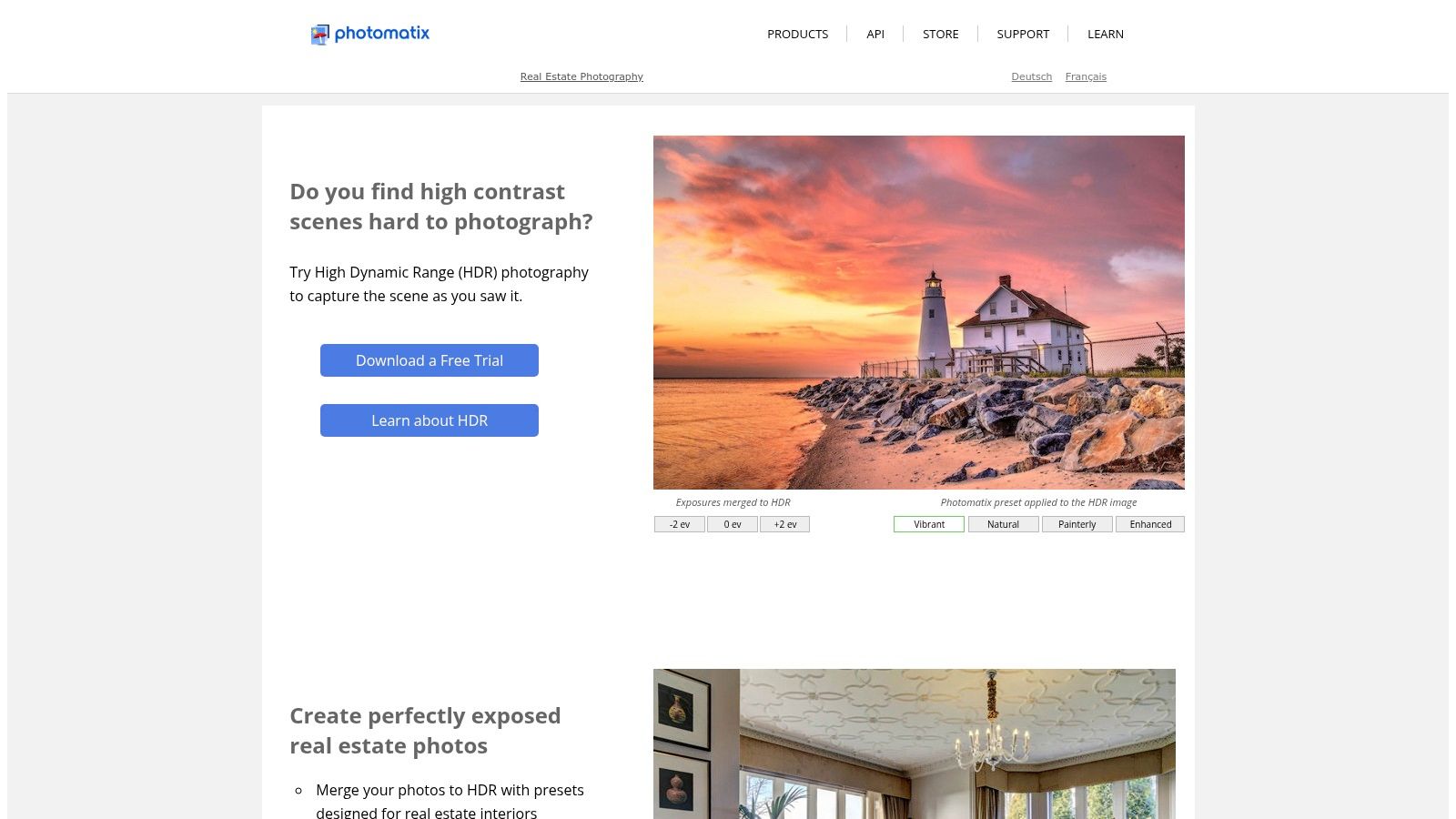
While its user interface is more utilitarian than modern AI-driven platforms, its power lies in its focused toolset. The batch processing feature is a significant time-saver for high-volume shoots, allowing photographers to apply consistent HDR settings across an entire property's image set. The Lightroom plug-in integrates seamlessly into existing workflows, making it a powerful, specialized addition rather than a complete overhaul of your process.
Key Details & Use Cases
- Best For: Real estate photographers who frequently shoot bracketed photos for HDR or flambient blending and prefer a one-time software purchase over a subscription.
- Pricing: Offered as a perpetual license, typically around $99 for Photomatix Pro, with a less feature-rich version available for a lower price.
- Standout Features: Advanced HDR and exposure fusion engines, robust batch processing for bracketed sets, and selective deghosting tools to correct for movement between exposures.
Pros:
- One-time purchase model is cost-effective for long-term use.
- Mature, stable software optimized specifically for bracketed interior shots.
- Efficient batch processing saves significant time on large projects.
Cons:
- The user interface feels dated compared to newer AI tools.
- Lacks the all-in-one virtual staging or sky replacement features of other platforms.
Website: https://www.hdrsoft.com
4. Skylum Luminar Neo
Skylum Luminar Neo offers a powerful, AI-driven approach to photo editing that prioritizes speed and simplicity without sacrificing quality. It stands out as an excellent piece of real estate photography editing software for agents and photographers who need impressive results quickly. Its intelligent tools, such as Sky AI, can replace a dull, overcast sky with a vibrant blue one in a single click, a common necessity for exterior property shots. Similarly, its Erase and Powerline removal tools streamline the cleanup process, removing distracting elements to present a cleaner, more appealing image.
Luminar Neo can function as a standalone application or as a plug-in for Lightroom and Photoshop, allowing it to easily integrate into an existing professional workflow. This flexibility makes it a valuable addition for photographers looking to accelerate specific tasks like HDR merging for bracketed exposures or panorama stitching for wide-angle interior views. With a more gentle learning curve than traditional editors, it empowers users to achieve professional-grade enhancements efficiently.
Key Details & Use Cases
- Best For: Photographers and agents seeking fast, AI-powered enhancements for common real estate editing tasks like sky replacement and object removal.
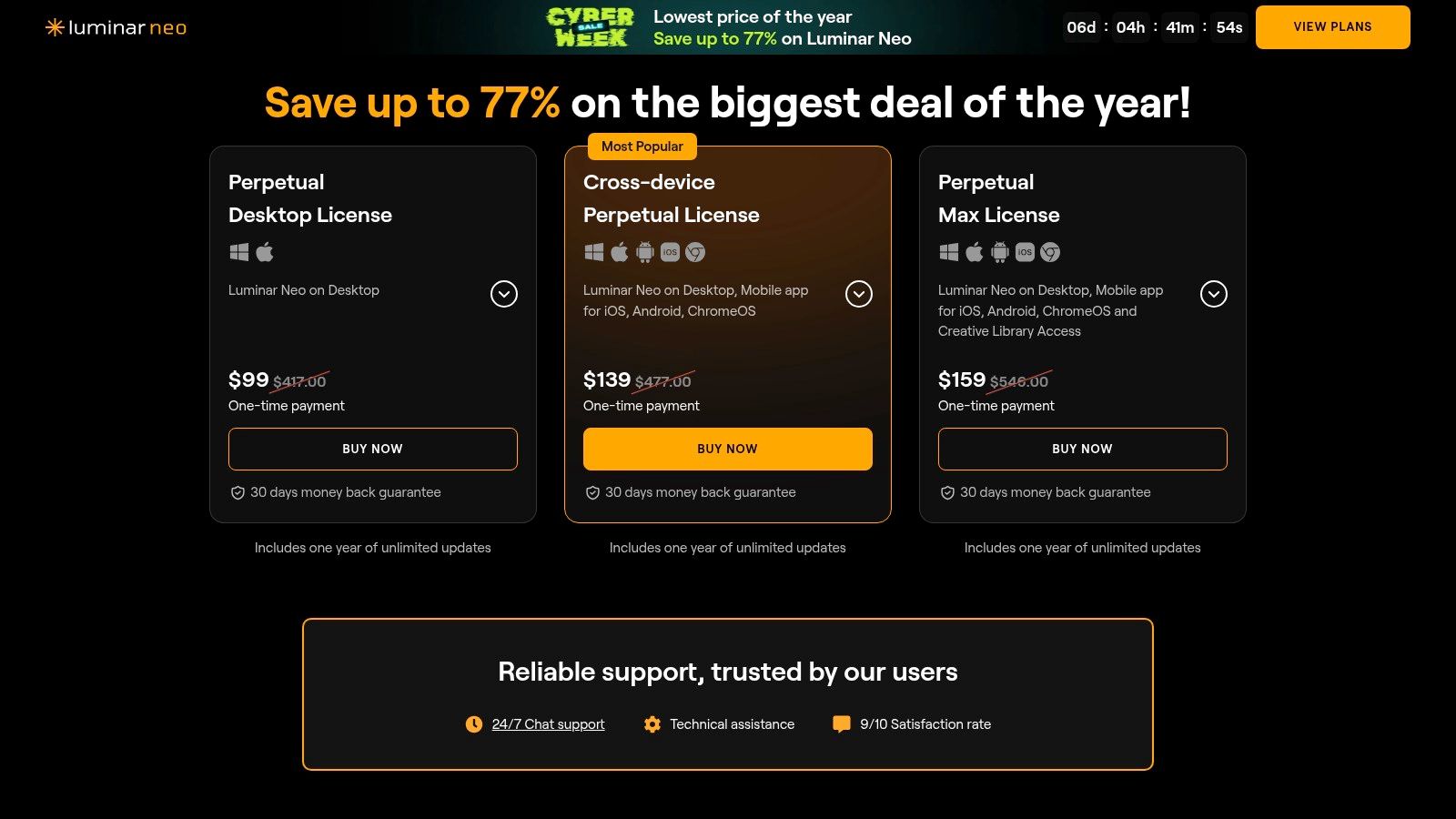
- Pricing: Offers both a recurring subscription and perpetual license options. Pricing can vary with promotions, and some advanced features may require separate add-on purchases.
- Standout Features: One-click Sky AI and Relight AI, advanced Erase tool with Powerline removal, intuitive HDR Merge, and a library of creative presets called "Looks".
Pros:
- Extremely fast, one-click enhancements for skies, color, and clutter.
- User-friendly interface with a gentle learning curve.
- Flexible purchasing options with perpetual licenses available.
Cons:
- Some key features may be locked behind add-on packs or specific subscription tiers.
- Pricing structure and feature availability can change with frequent promotions.
Website: https://skylum.com/luminar/pricing
5. Capture One (Pro / All‑in‑One)
Capture One is a professional-grade RAW image editor revered for its exceptional color accuracy and tethered shooting capabilities. While it serves a broader market, its advanced tools are perfectly suited for high-end architectural and real estate photography where precise color reproduction and perspective correction are non-negotiable. Its workflow is built around Sessions and Catalogs, allowing photographers to meticulously organize images by property for efficient batch editing and asset management. For real estate photographers, this means achieving true-to-life wall colors and perfectly straight lines directly from the RAW file.
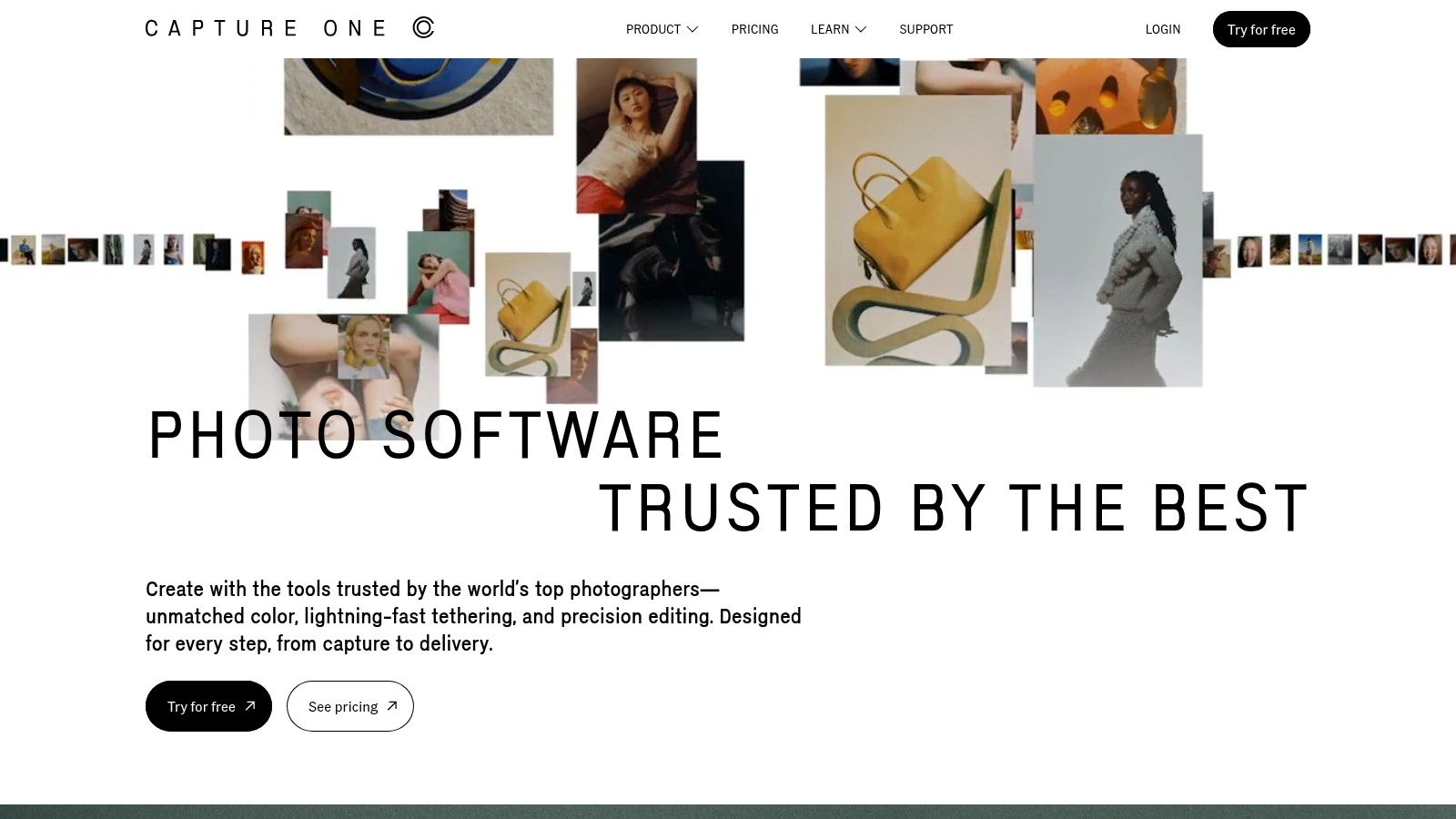
The software's powerful color editor and keystone correction tools are its main draw, providing granular control that rivals other industry leaders. The ability to shoot tethered directly into the software is invaluable for on-site shoots, allowing for immediate review of composition and lighting on a larger screen. The All-in-One bundle further enhances collaboration with Capture One Live, a tool for sharing and getting feedback on images in real-time, making it a strong contender in the real estate photography editing software landscape for teams.
Key Details & Use Cases
- Best For: High-end architectural and commercial real estate photographers who prioritize color accuracy, tethered shooting, and precise geometric corrections.
- Pricing: Offers both subscription plans (starting around $24/month) and a perpetual license (one-time purchase, often several hundred dollars), providing flexibility for different business models.
- Standout Features: Superior RAW processing engine, advanced color grading tools, industry-leading tethered capture, and robust keystone correction for architectural accuracy.
Pros:
- Unmatched color control and precise keystone correction tools.
- Flexible licensing with both subscription and perpetual options.
- Excellent session and workflow features for professional on-location shoots.
Cons:
- Pricier than many alternatives, particularly the perpetual license.
- Can have a steeper learning curve for those unfamiliar with pro-level editors.
Website: https://www.captureone.com
6. ON1 Photo RAW (and MAX)
ON1 Photo RAW offers a comprehensive, all-in-one editing solution that directly competes with the Adobe ecosystem, often at a more accessible price point. It combines powerful digital asset management, raw processing, and a suite of AI-powered tools into a single application, making it an excellent piece of real estate photography editing software. For property photographers, this means having integrated tools like Sky Swap AI, Generative Erase for object removal, and NoNoise AI for cleaning up low-light interior shots without needing separate plugins or applications.
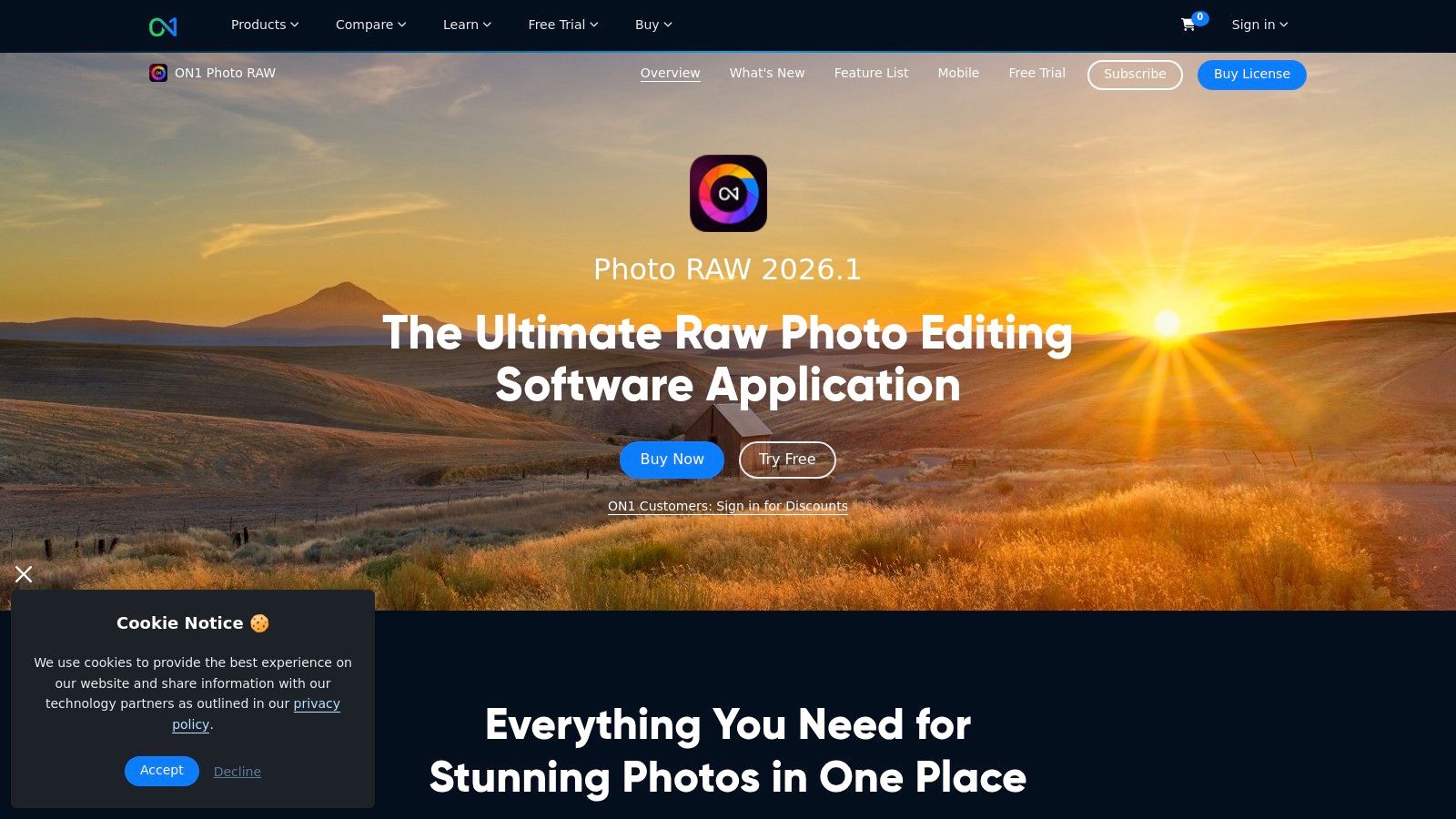
The platform’s strength lies in its versatility and value, particularly for those who prefer a non-subscription model. Its robust cataloging and fast browsing features are well-suited for managing large volumes of property photos. While it integrates a professional-grade feature set, including strong lens and perspective correction tools, the availability of a perpetual license makes it a compelling choice for photographers looking to control long-term software costs without sacrificing powerful, modern editing capabilities. The MAX edition further extends this by allowing its tools to work as plugins within other software like Photoshop and Lightroom.
Key Details & Use Cases
- Best For: Photographers and agents seeking a powerful, cost-effective Adobe alternative with integrated AI features and a choice between subscription or a perpetual license.
- Pricing: Offers both a recurring subscription (starting around $7.99/month) and a perpetual license for the current version (typically around $99.99).
- Standout Features: Sky Swap AI for one-click sky replacements, powerful NoNoise AI and Resize AI, and the flexibility to be used as a standalone editor or as a plugin suite.
Pros:
- Perpetual license option provides an alternative to subscription fatigue.
- Strong suite of built-in AI tools simplifies complex editing tasks.
- Extensive free tutorials and training resources are available.
Cons:
- AI features can be demanding on computer hardware, requiring a capable GPU.
- The user interface can change between major versions, which may require some user adjustment.
Website: https://www.on1.com/products/photo-raw/
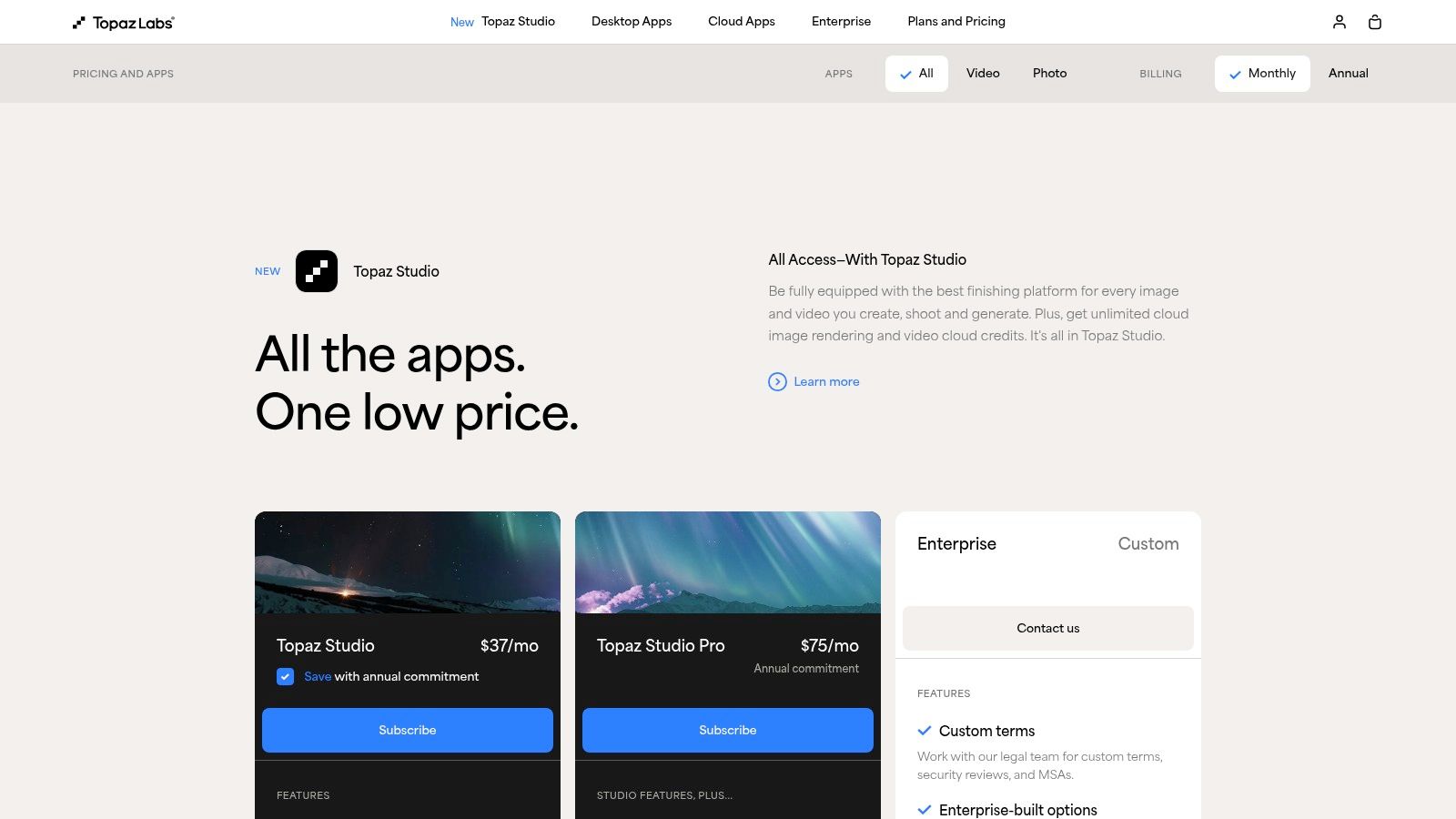
7. Topaz Labs (Topaz Photo, Gigapixel, Studio bundles)
Topaz Labs offers a specialized suite of AI-powered enhancement tools that act as a powerful supplement to a primary editing workflow. Instead of being an all-in-one editor, its applications like Topaz Photo and Gigapixel excel at specific tasks such as denoising, sharpening, and upscaling. For real estate photographers, this means rescuing usable shots from challenging, low-light interiors or enlarging a cropped image for a large print without losing critical detail. These tools are often the final step in a workflow to add a layer of polish and clarity that other software can’t achieve.
The primary strength of Topaz Labs is its ability to recover and enhance image data. Its AI models are trained to intelligently reduce noise in high-ISO photos, which is a common issue when shooting property interiors without extensive lighting setups. Similarly, its sharpening algorithms can bring out fine textures in furniture, flooring, and architectural details, making images pop on an MLS listing. You can explore the value of this in our guide to noise reduction in images. The tools can be used as standalone applications or as plugins within Lightroom and Photoshop, providing flexibility for different workflows.
Key Details & Use Cases
- Best For: Photographers who already have a primary editor like Lightroom but need best-in-class tools for fixing noise, motion blur, and sharpness issues.
- Pricing: Available as a one-time purchase for individual apps (around $99 each) or as a bundle, which often includes a year of updates.
- Standout Features: Gigapixel AI for intelligent image upscaling, DeNoise AI for superior noise reduction, and Sharpen AI for recovering focus and detail.
Pros:
- Industry-leading noise reduction and sharpening capabilities.
- Functions seamlessly as a plugin within existing professional workflows.
- One-time purchase model is appealing to those avoiding subscriptions.
Cons:
- Not a comprehensive editing solution; it serves a niche purpose.
- The cost can add up quickly if multiple applications are needed.
Website: https://www.topazlabs.com/pricing
8. PTGui (Pro)
PTGui (Pro) stands as the definitive tool for photographers who need to create flawless, wide-angle panoramas and immersive 360-degree virtual tours. It excels at stitching multiple images together with incredible precision, correcting for distortion and exposure differences that standard software often struggles with. For real estate, this means you can capture an entire small room in a single, cohesive shot or build the high-resolution spherical images needed for interactive property walkthroughs. Its power lies in its detailed control over the stitching process.

While other real estate photography editing software might offer a basic panorama feature, PTGui is a dedicated, specialist application designed for one purpose. The Pro version offers advanced features like viewpoint correction to ensure vertical lines are straight and HDR support for perfectly exposed panoramas, even with bright windows. It integrates into a professional workflow, taking bracketed shots from your primary editor and outputting a perfectly stitched file ready for final color grading.
Key Details & Use Cases
- Best For: Professional photographers specializing in virtual tours, architectural photography, or capturing expansive interior and exterior views without distortion.
- Pricing: Available as a perpetual license. The standard version starts around $148, with the Pro version priced at approximately $297.
- Standout Features: Superior control point editor for precise alignment, advanced masking tools for difficult stitches, HDR and exposure fusion capabilities, and batch processing in the Pro version.
Pros:
- Gold-standard for creating professional, distortion-free panoramic images.
- Handles complex scenes with mixed lighting and challenging angles.
- Perpetual license model is a one-time purchase, not a subscription.
Cons:
- A specialized tool that exists outside a typical all-in-one editing workflow.
- The interface and advanced controls come with a learning curve.
Website: https://ptgui.com
9. easyHDR
For photographers seeking a straightforward and budget-friendly solution specifically for high dynamic range (HDR) processing, easyHDR presents a compelling alternative. This specialized software focuses on merging bracketed exposures to create a single, well-lit image with natural-looking results. It excels at both tone mapping and exposure fusion, giving users the tools to pull details from the shadows and highlights of challenging interior shots without the overly processed look some HDR tools produce. Its simplicity makes it an excellent entry point into HDR workflows.
As a dedicated piece of real estate photography editing software, easyHDR is designed for one primary task and performs it efficiently. Features like batch processing and robust RAW file support streamline the process of handling entire property shoots at once. While it lacks the all-in-one capabilities of larger platforms, its commitment to a one-time perpetual license is a significant draw for freelance photographers or agents looking to avoid recurring subscription fees for essential HDR blending.
Key Details & Use Cases
- Best For: Budget-conscious photographers, agents, and small teams who primarily shoot bracketed photos and need a simple, effective tool for HDR merging.
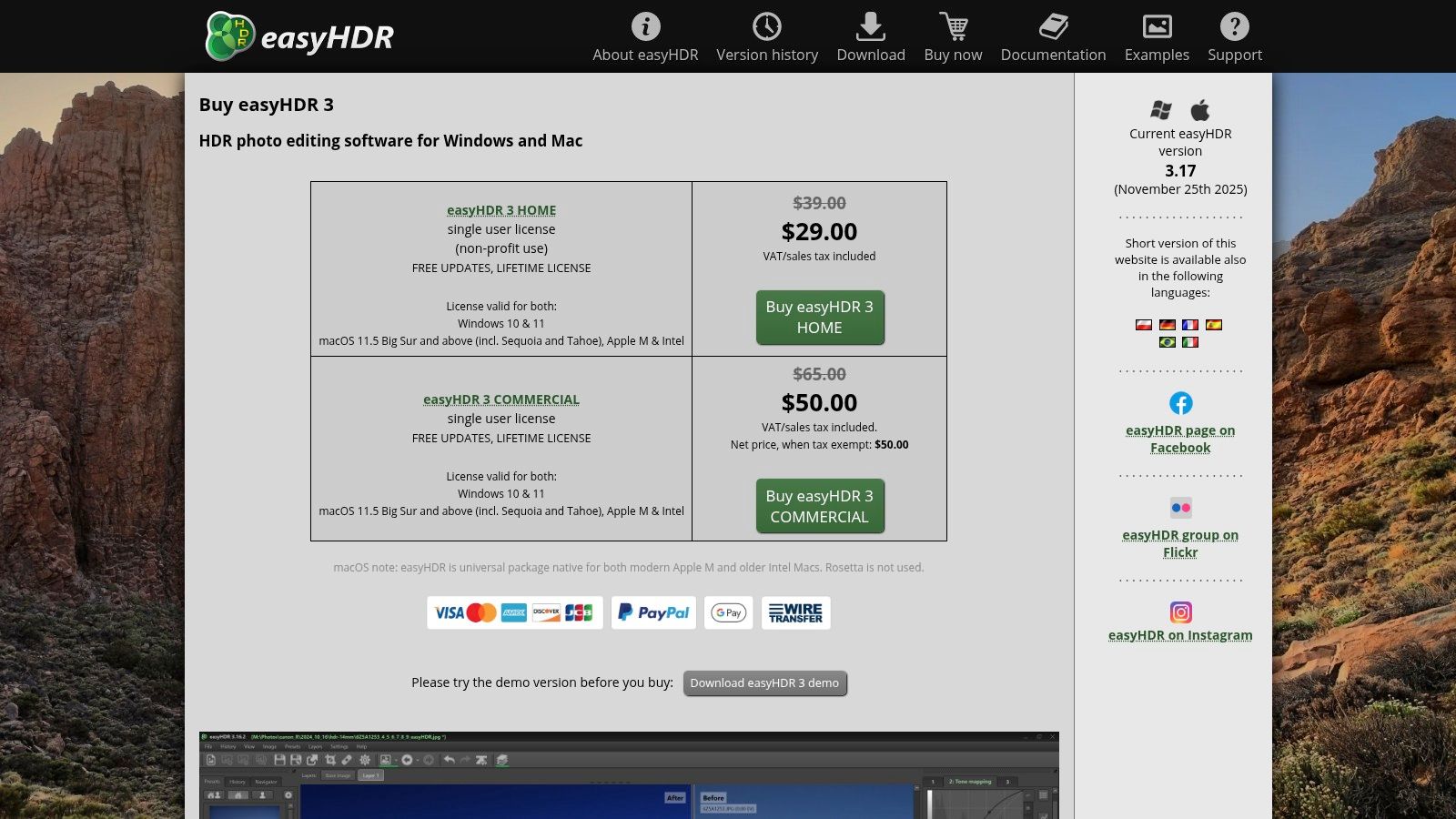
- Pricing: Offered as a perpetual license, typically under $50 for a single user, which includes updates for the current major version.
- Standout Features: Natural-looking tone mapping and exposure fusion algorithms, efficient batch processing for multiple photo sets, and an affordable one-time purchase model.
Pros:
- Very low cost with a perpetual license, avoiding monthly subscriptions.
- Simple, user-friendly interface that is easy to learn.
- Produces effective and natural-looking results for interior real estate photos.
Cons:
- Lacks the advanced tools and broader ecosystem of competitors like Photomatix.
- Smaller user community means fewer third-party tutorials and resources.
Website: https://www.easyhdr.com/purchase/
10. LR/Enfuse (Lightroom Classic plug‑in)
For photographers already comfortable within the Lightroom Classic ecosystem, LR/Enfuse offers a streamlined way to blend bracketed exposures directly within the application. This plug-in uses the open-source Enfuse engine to create natural-looking, exposure-fused images, which is a popular alternative to HDR tone-mapping that can sometimes produce overly stylized or artificial results. It excels at creating the ‘flambient’ look for interiors by blending ambient and flash exposures seamlessly.
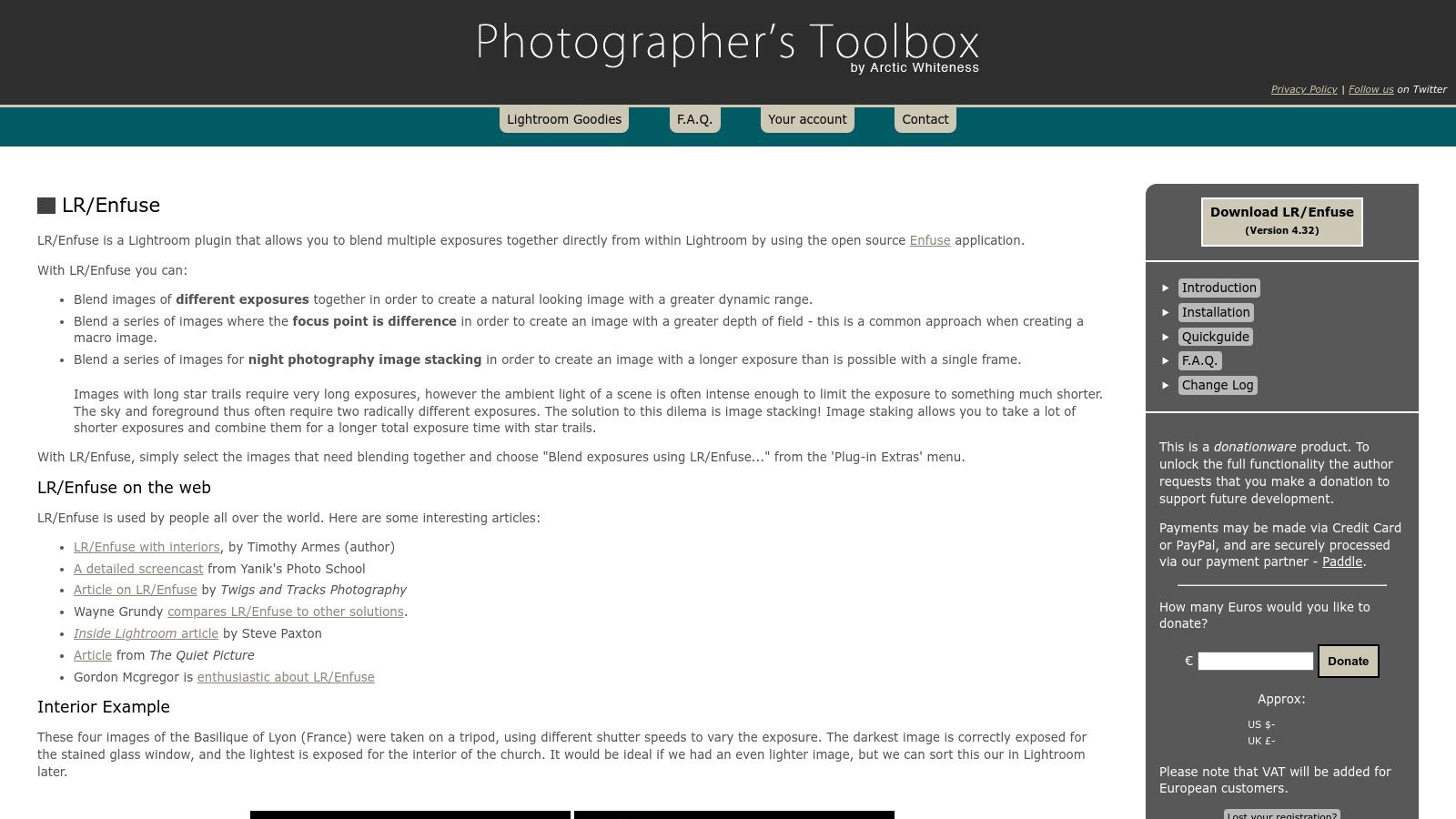
The primary benefit of this real estate photography editing software is workflow efficiency. By eliminating the need to export images to a separate HDR program and then re-import them, LR/Enfuse saves significant time, especially when processing dozens of brackets from a single property shoot. It is an ideal tool for photographers who need a fast, effective, and integrated solution for creating well-balanced interior shots without leaving their primary cataloging software.
Key Details & Use Cases
- Best For: High-volume real estate photographers using Lightroom Classic who want an integrated, efficient way to blend bracketed exposures for natural-looking results.
- Pricing: The plug-in operates on a donationware model. It is free to try, but a registration donation is required to unlock full-size exports.
- Standout Features: Direct integration into the Lightroom export process, natural-looking exposure fusion without HDR artifacts, and simple controls for batch processing.
Pros:
- Excellent workflow efficiency as it operates entirely within Lightroom Classic.
- Produces a clean, natural 'flambient' look favored in real estate.
- Cost-effective solution compared to standalone HDR applications.
Cons:
- Less actively developed than modern AI-powered tools.
- May require workarounds for full compatibility with some newer macOS versions.
Website: https://photographers-toolbox.com/products/lrenfuse.php
11. BoxBrownie (Editing as a Service)
For agents and photographers who prefer to outsource the post-production workload, BoxBrownie offers a comprehensive on-demand editing service instead of traditional software. This platform allows you to submit raw images and select from a menu of à la carte services, including standard image enhancement, day-to-dusk conversions, item removal, and virtual staging. It is an excellent solution for professionals who want consistent, high-quality results without investing time in learning complex real estate photography editing software.
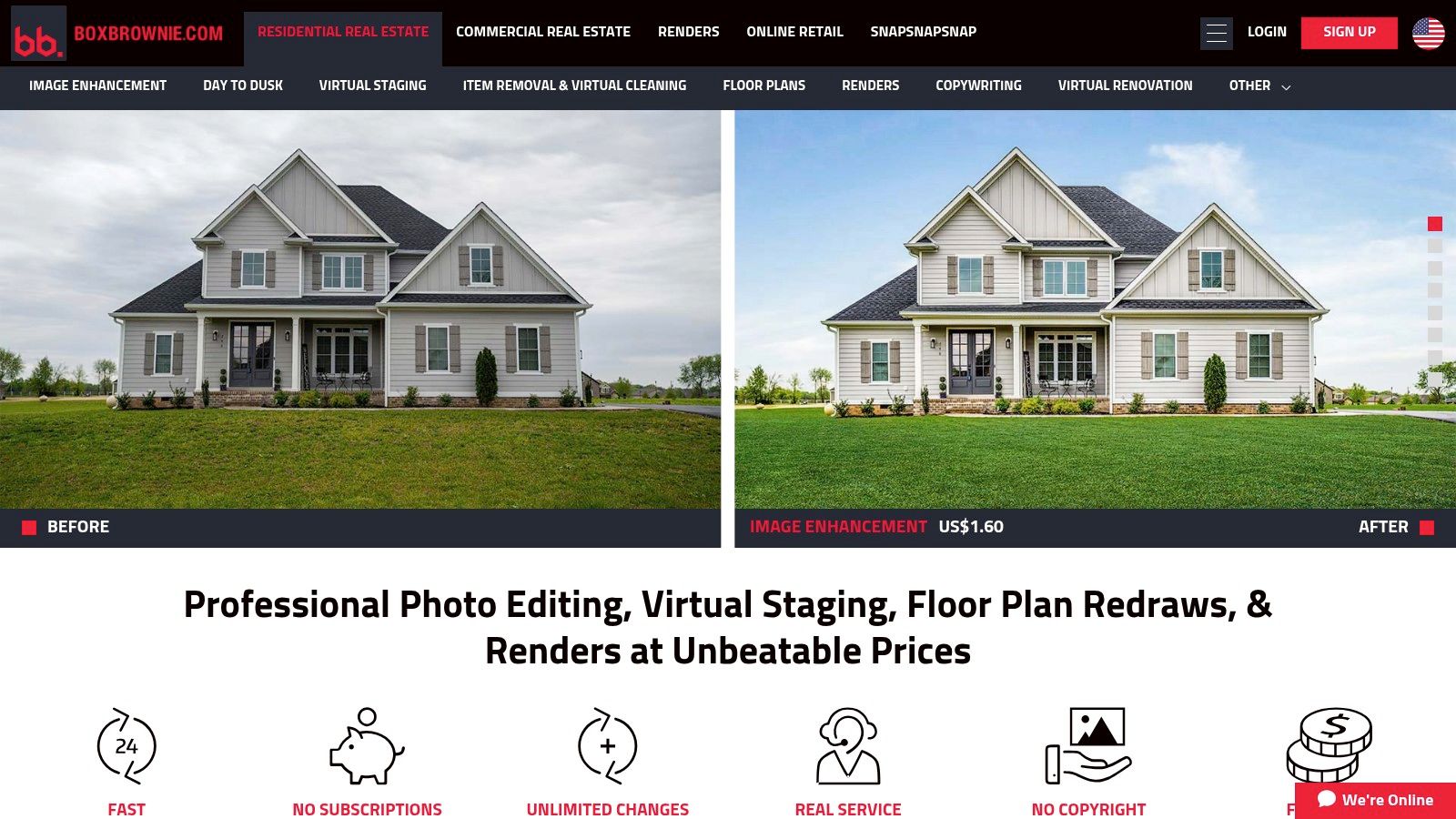
The pay-per-image model provides predictable costs and scales effortlessly, whether you need five photos edited or five hundred. BoxBrownie is particularly known for its fast, reliable turnaround and specializes entirely in real estate, ensuring the edits meet industry standards for MLS listings and marketing materials. Their virtual staging is a popular choice for adding life to vacant properties; you can explore the technology behind this in our FAQ on AI visualization and virtual staging.
Key Details & Use Cases
- Best For: Individuals, teams, and brokerages that want to delegate editing tasks to focus on photography and client relations, ensuring professional consistency across all listings.
- Pricing: A la carte, per-image pricing. For example, image enhancement starts at $1.75 per photo, while virtual staging is typically around $28 per photo.
- Standout Features: A comprehensive menu of specific real-estate edits, 24-hour typical turnaround time, virtual renovation renders, and a user-friendly upload-and-order dashboard.
Pros:
- No software to learn or install, freeing up significant time.
- Scalable and cost-effective for both small and large volumes of work.
- Specialized services tailored specifically to real estate marketing needs.
Cons:
- Per-image costs can become substantial for high-volume photographers.
- Less creative control over the final look compared to in-house editing.
Website: https://www.boxbrownie.com
12. PhotoUp (Editing as a Service + Credits)
PhotoUp offers a streamlined, service-based approach to real estate photo editing, targeting professionals who prefer to outsource post-production tasks. Instead of software, it provides a team of editors who handle everything from basic adjustments to complex edits like Flambient blending and object removal. This model is ideal for high-volume photographers and teams looking to offload editing work and focus on shooting, ensuring consistent quality and fast turnarounds without the hands-on effort.
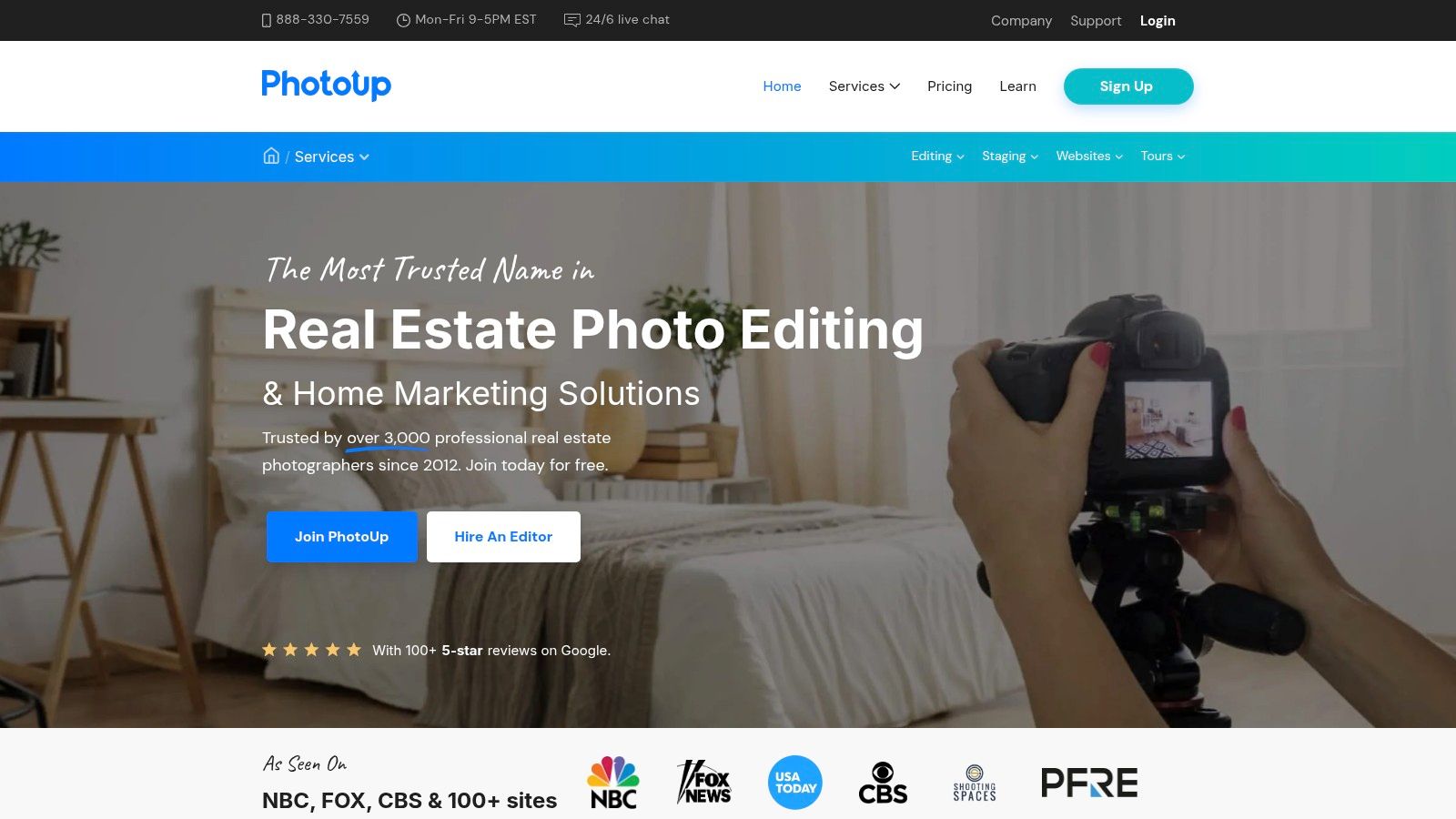
The platform operates on a flexible credit system, where users purchase credits to spend on various services, including photo editing, virtual staging, and floor plans. This allows for transparent, scalable pricing that can adapt to fluctuating business needs. With typical turnarounds of 12-24 hours and US-based support, PhotoUp positions itself as a reliable partner for busy real estate marketing professionals who need dependable, high-quality results delivered on a tight schedule.
Key Details & Use Cases
- Best For: High-volume real estate photographers, brokerages, and marketing teams who need to outsource editing to save time and maintain a consistent, professional look across all listings.
- Pricing: Utilizes a credit-based system. Credits can be purchased on-demand or through monthly subscription plans that offer better value and rollover options.
- Standout Features: Dedicated editing teams, a clear credit system for multiple services (editing, staging, floor plans), and a fast 12-24 hour standard turnaround time.
Pros:
- Saves significant time by completely outsourcing the editing workflow.
- Scalable credit-based model is well-suited for both fluctuating and consistent volumes.
- Reliable turnaround times and US-based customer support.
Cons:
- The credit system can be initially complex to map to specific editing needs and add-ons.
- Less control over the final creative touches compared to hands-on software.
Website: https://www.photoup.net
Top 12 Real Estate Photo Editing Tools Comparison
Making Your Final Choice: Platform vs. Point Solution
Navigating the crowded landscape of real estate photography editing software can feel overwhelming, but making an informed decision is crucial for elevating your listings and streamlining your workflow. We've explored a wide spectrum of tools, from industry-standard powerhouses like the Adobe Photography Plan to specialized HDR processors like Photomatix Pro and AI-driven enhancers like Luminar Neo. Each option offers a unique value proposition, catering to different skill levels, budgets, and business goals.
Your journey to selecting the right software begins with a clear assessment of your own needs and resources. Are you a hands-on photographer who thrives on granular control and technical precision? A combination of traditional software like Adobe Lightroom Classic, powerful plugins such as LR/Enfuse, and specialized tools like PTGui for panoramas will give you unparalleled creative freedom. This path, however, demands a significant investment in both time for learning and effort for execution on every single listing.
The Point Solution vs. The Platform Approach
For many real estate professionals, the primary goal isn't to become a master photo editor; it's to market properties effectively and efficiently. This is where the critical distinction between point solutions and all-in-one platforms comes into play.
Point Solutions: These are specialized tools that excel at one or two specific tasks. Topaz Labs is fantastic for noise reduction and sharpening, while Skylum Luminar Neo makes sky replacements effortless. Editing-as-a-service providers like BoxBrownie and PhotoUp are the ultimate point solutions, offloading the entire editing task to a third party. While effective, stringing together multiple point solutions and services can create a fragmented, costly, and time-consuming workflow that requires managing multiple subscriptions, vendors, and file transfers.
All-in-One Platforms: This modern approach, exemplified by Bounti Labs, redefines what real estate photography editing software can be. Instead of just enhancing photos, these platforms address the entire marketing content lifecycle. They transform a single input, like a simple video walkthrough, into a complete, brand-consistent marketing package. This integrated system automates photo generation, virtual staging, property website creation, and even social media content, consolidating what would otherwise be five or six different tools and services into a single, unified workflow.
Making the Strategic Choice for Your Business
Choosing your ideal real estate photography editing software is less about finding the "best" tool and more about finding the best fit for your business model. Ask yourself these key questions:
- What is my primary bottleneck? Is it the time spent editing photos, the cost of hiring professional photographers, or the effort required to create a full suite of marketing materials for each listing?
- What is my technical skill level? Am I comfortable navigating complex software like Photoshop, or do I need a solution that is intuitive and largely automated?
- How important is brand consistency? Do I need every flyer, social media post, and property website to have a cohesive, professional look that is easy to replicate across my entire team?
- What is my goal? Is it simply to have better-looking photos, or is it to save time, scale my marketing efforts, and ultimately close more deals?
For solo agents, teams, and brokerages focused on growth and efficiency, the platform approach offers a clear advantage. By automating the mundane and consolidating the toolset, an all-in-one solution like Bounti Labs empowers you to focus on high-value activities: nurturing client relationships, negotiating offers, and building your brand. It shifts your role from a content creator to a strategic marketer, armed with a complete arsenal of assets generated in a fraction of the time. The future of real estate marketing isn't just about better pictures; it's about smarter, faster, and more integrated systems.
Ready to move beyond basic photo editing and embrace a complete, AI-powered marketing solution? See how Bounti Labs transforms a single property video into a full marketing kit, including HDR photos, virtual staging, and more, in just minutes. Visit Bounti Labs to discover how you can automate your listing marketing and reclaim your time.
